¶ Key Features
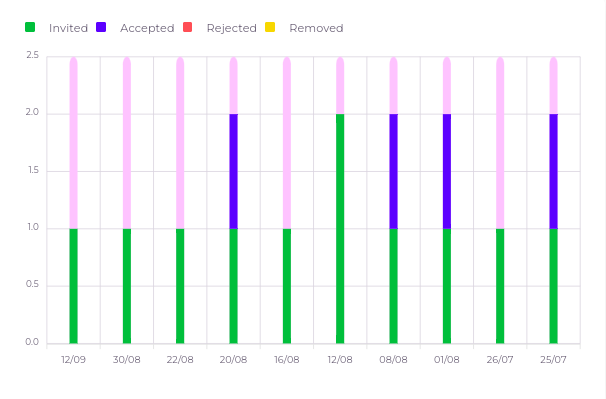
- User Invitation Status:
- Accepted: Displays the number of users who have accepted the invitation to join the account.
- Rejected: Shows how many users rejected the invitation.
- Invited: Tracks the total number of pending invitations.
- Removed: Lists users who have been removed from the account.
¶ How to Use the Accounts Activity Page
-
Navigate to Accounts Activity:
- From the main menu, click on Widgets and select Accounts Activity.
-
View Invitation Status:
- The page will display the current invitation status, divided into four categories: Accepted, Rejected, Invited, and Removed.
-
Understand the Chart:
- The chart uses Y-coordinate to indicate the invitaions count and the X-coordinate to represent the date, allowing users to track daily running performance over time.