¶ Key Features
-
Unit Status Chart:
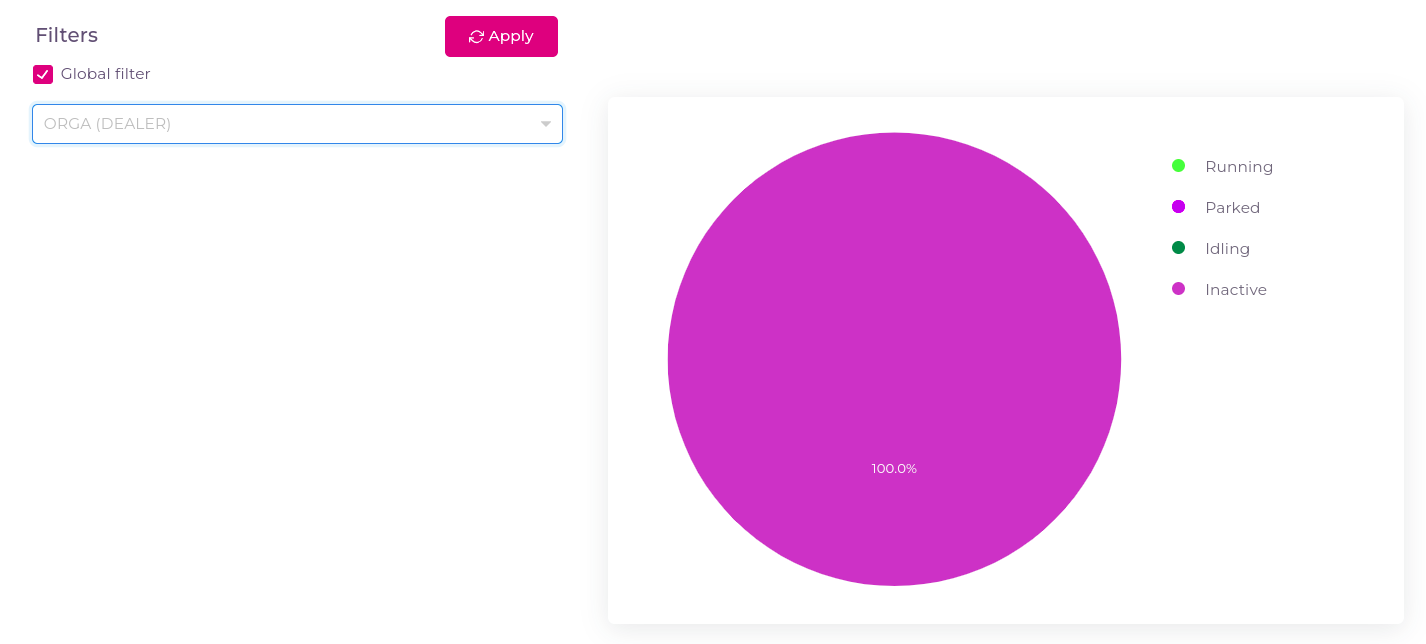
- Displays unit-wise statuses such as running, parked, idling, and inactive in an easily interpretable chart format.
-
Status Types:
- Running: Vehicles currently in operation.
- Parked: Vehicles parked or stationary for an extended period.
- Idling: Vehicles running but not in motion.
- Inactive: Vehicles that haven't been used for a prolonged period.
-
Unit Filters:
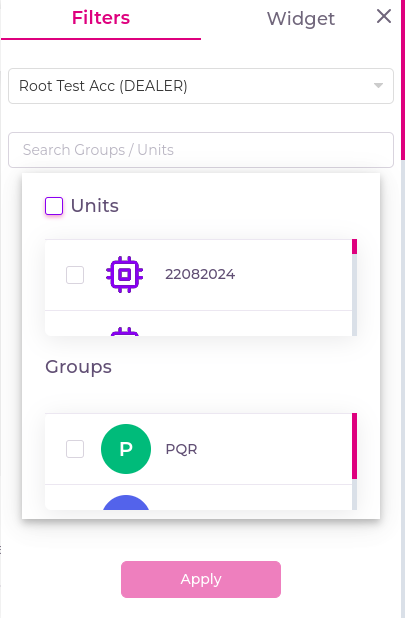
- Apply unit filters to analyze unit statuses over specific units.
- If you checked the global filter then whatever units and groups are selected in the Filters tab that will be applicable.
¶ How to Use the Unit Status Page
-
Navigate to Unit Status:
- Click on the Widgets and then Unit Status.
-
View Statuses by Type:
- Observe the chart which displays the current status of each unit under categories such as running, parked, idling, or inactive.
-
Use Filters:
- Use the unit filter to select a specific units and track how the units have performed.