Delete a geofence or a route you no longer use. The steps are the same for both.
¶ Before you start
- To delete a geofence you need Geofences > Del. To delete a route you need Routes > Del. The Owner role has both.
- You can delete only items of your own account. Shared items from accounts above have no Delete in their menu.
- Check where the item is used first. The app does not check this for you (see below).
¶ Delete one item
-
In the side menu, select Reference Data > Geofences or Reference Data > Routes.
-
In the item's row, open the row menu and choose Delete.
A confirmation dialog opens: "Do you really want to remove the record of" and the item's name.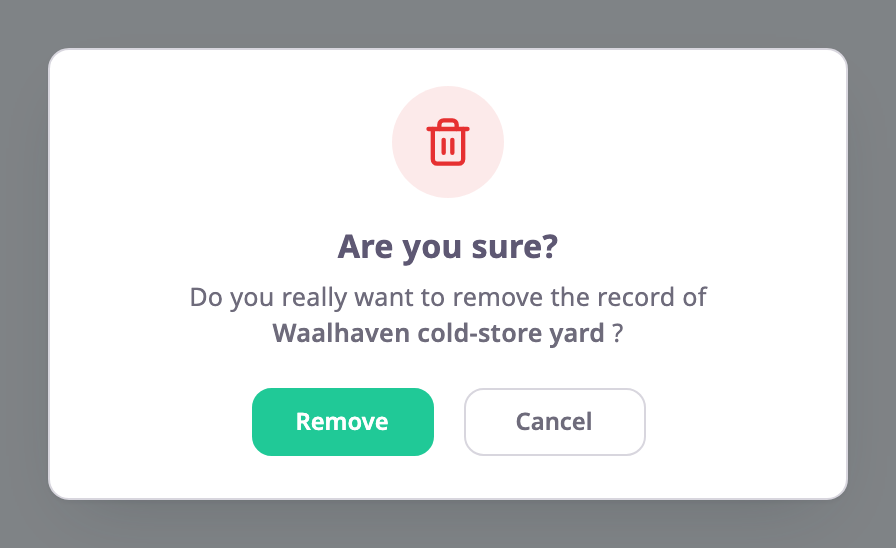
-
Select Remove.
The message "Geofence deleted successfully" or "Route deleted successfully" appears and the row leaves the list.
¶ Delete several items
- Tick the items, or tick Select All.
A bar with the number selected replaces the search row. It shows Delete when two or more rows are ticked. - Select Delete.
The dialog asks whether to delete all selected items except inherited ones. - Select Remove.
Items shared from accounts above yours are never deleted. Select All covers every item in the list, not only the rows loaded on screen.
¶ What the app does not check
The app deletes without checking where the item is used. It deletes a geofence that an alert rule, a route checkpoint or a report still names, and it deletes a route without deleting its schedules. Before you delete:
- In Alerts > Rules, look for rules that pick the geofence.
- Open routes that use it as a checkpoint and replace it.
- Delete a route's schedules before you delete the route.
¶ What happens next
The item leaves its groups and every list.