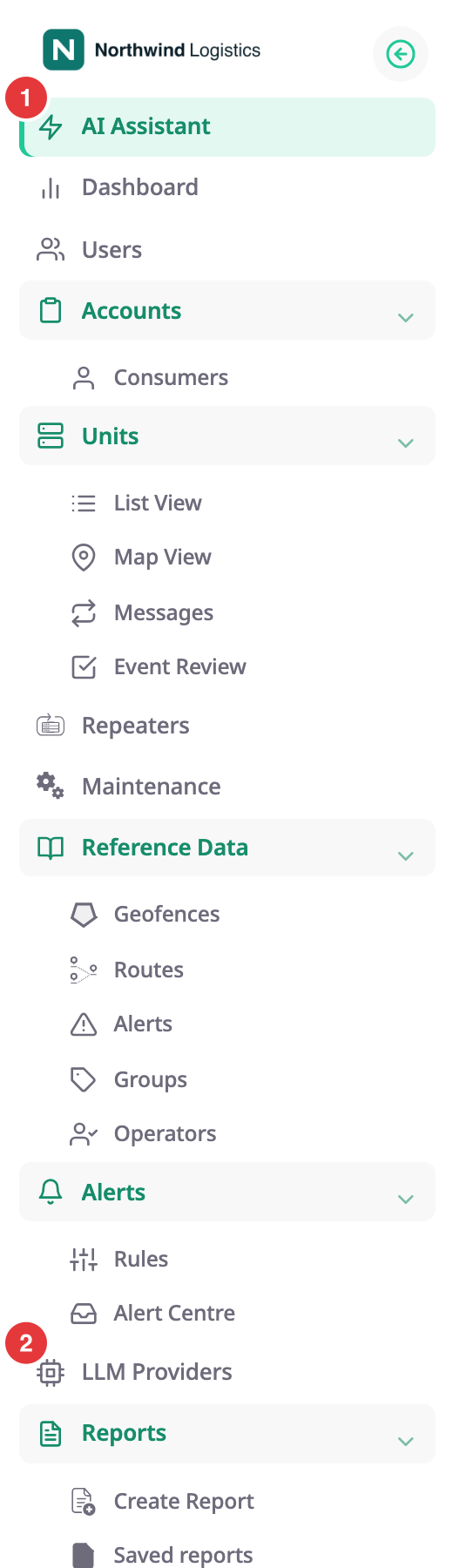
The AI Assistant answers questions about your fleet in plain language. You ask in a chat, and an agent looks up the data your role can already see: units, trips, devices, SIMs, alerts, reports and more. Each agent is a specialist with its own set of lookups and its own conversation history. To start, in the side menu, select AI Assistant.
¶ What the AI Assistant does
- You choose an agent on the AI Agents screen and ask a question. The agent works out which lookups answer it, runs them with your permissions and writes an answer, sometimes with a chart.
- Answers use live data. An agent does not guess a vehicle's position or a report's numbers; it reads them.
- Each chat keeps its history, private to you. See AI Assistant limits and data privacy.
¶ Agents and what each is for
| Agent | Use it to |
|---|---|
| Report Builder | Find the right report, run it for the period you mean, chart it, build a custom one, and put reports on dashboards. |
| Fleet Insights | Ask about units, trips and recorded events: who is moving, who stopped reporting, who drove the furthest. |
| Device Diagnostics | Check why a vehicle is not tracking, the device inventory, SIM health and sensor setup. |
| Account & Access | Ask who has access, which roles exist, what they can do, and which invitations are pending. |
| Geofences & Routes | Ask about zones, routes, timetables and whether vehicles kept to them. |
| Alerts & Rules | Find out which alerts exist, what fired and why someone was or was not told. Acknowledge one open alert. |
| Maintenance | Ask what service is due, what was done and what it cost. |
For the example questions and the lookups of each agent, see What each agent can do. An administrator can hide individual agents, so your screen can show fewer.
¶ What it can and cannot change
The agents mostly read. Every agent can save a report it composed to your own list of report templates. The Report Builder can also change a report template of yours, export a report to a file under Saved reports, create a dashboard and add a widget to it. The Alerts & Rules agent can acknowledge one open alert, but only after you select Confirm on the card it shows. See What each agent can do.
No agent can delete a report or template, open another account for you, handle passwords or sign-in, remove a unit or send a command to a device. For anything else that changes data, the agent names the screen and the steps instead.
¶ Who can use it
- Your role needs Use AI Assistant. The built-in Owner role has it. Managing the settings for an account needs Manage AI Assistant Settings.
- Your organisation needs AI turned on, with a provider and a monthly credit allowance, in its account's AI Assistant section.
- Every lookup runs with your own permissions. An agent cannot show you data that your role cannot open.
¶ When it is not available
- If the menu has no AI Assistant entry, your role lacks Use AI Assistant, or your organisation has AI switched off.
- If you open the screen and see "The AI Assistant is switched off for your organisation. Your administrator can turn it on in the account's AI settings." an administrator turned it off.
- If you see "The AI assistant is not configured for this environment yet. Contact your administrator to enable it." no provider is set up for you.
- If a chat answers with a message about credits, your organisation used this month's allowance. See AI Assistant limits and data privacy.
Dealers and owners of an account can set up a provider themselves: LLM Providers.