¶ Symptom
You opened a link or a bookmark, and the app shows a full screen with the heading "Page Not Found" and the text "Oops! 😖 The requested URL was not found on this server." There is no side menu, only the Back to home button. The address bar ends in /error-404.
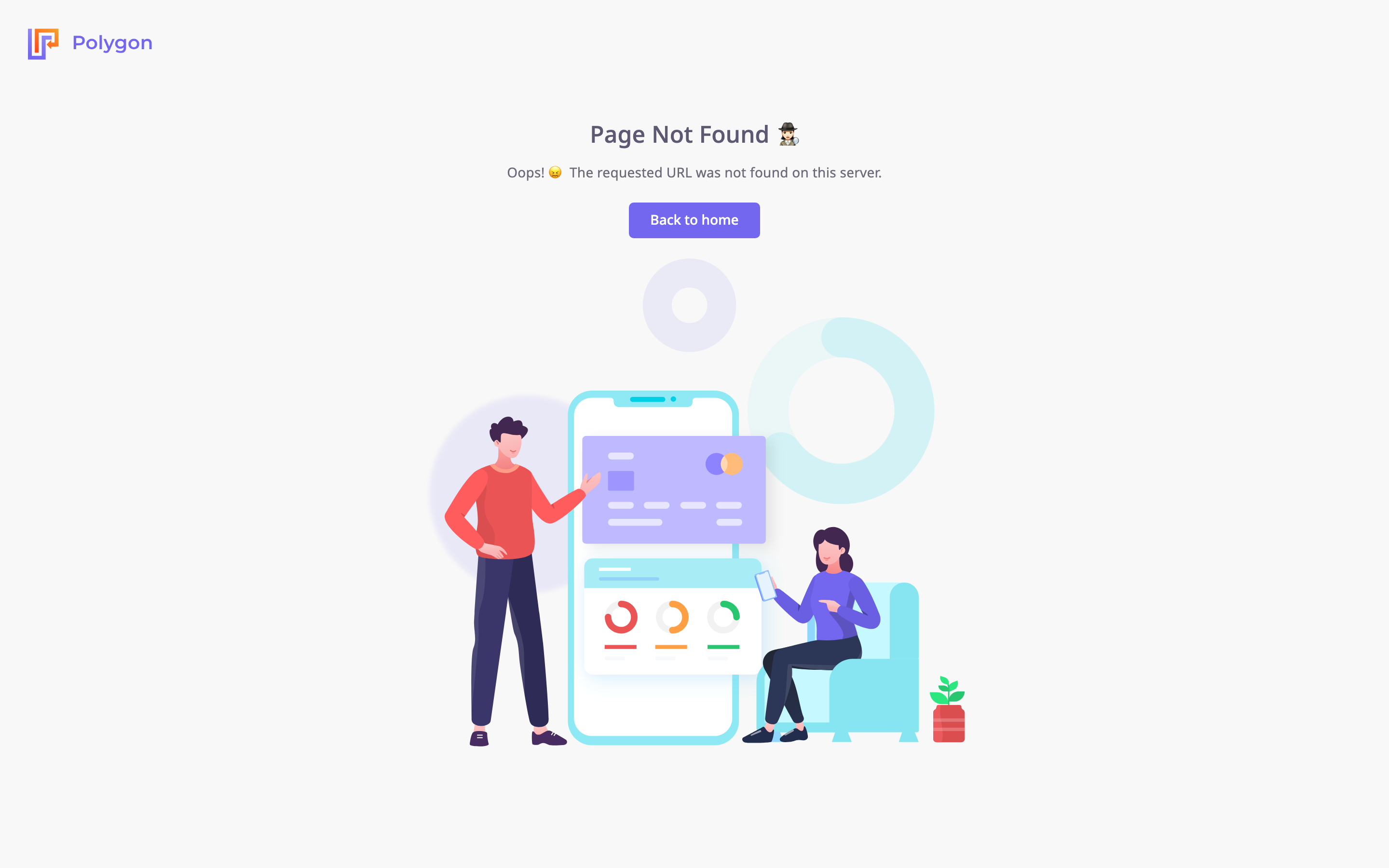
The app shows this screen for any address it does not know. It does not mean the app is down, and it signs nobody out.
¶ Likely causes
¶ The link is old or mistyped
Check
- Look at the address in the browser before it changed to /error-404, for example in the email or chat you copied it from.
- Compare it with the address of a screen you can open. Screen addresses are words such as /units/list or /alerts/centre.
A cut-off link, an extra character, or an address from an older version of the app all land here.
Fix
- Select Back to home.
If you have a session, your start screen opens. If not, the sign-in screen opens. - Open the screen you wanted from the side menu.
- Optional: bookmark the screen again from the address bar.
Many screens keep their filters in the address, so a fresh bookmark also brings back your view.
¶ The bookmark is missing the app path
The app's screens live under /app, for example https://polygon.getgps.ru/app/units/list. Most addresses still work without /app. An address whose path starts with /app-store or /apps does not: without /app in front, it opens Page Not Found.
Check
- Look at the address of the bookmark.
- If it reads https://polygon.getgps.ru/app-store or https://polygon.getgps.ru/apps followed by a name, this is the cause.
Fix
- Add /app in front of the path. For example, change https://polygon.getgps.ru/app-store to https://polygon.getgps.ru/app/app-store.
- Open the corrected address.
- Save the corrected address as your bookmark.
¶ Still stuck
If a link from inside the app opens this screen, the link itself is broken. Contact support@getgps.eu with:
- The full address you opened, before it changed to /error-404.
- Where the link came from: an email, a button in the app, or a bookmark.
- The time you opened it.