A shared location link opens a public page. The person who gets the link does not sign in and does not need an account. What they see depends on the link's start and end time and on whether you deleted it. You create links in Share a unit's live location.
¶ What the recipient can see
- The unit's name and icon, its position on a map, its heading, the time of the position and its address.
- The route the unit drove since the link started. Nothing from before the start.
- The end of the link and how much time is left.
The page never shows sensors, the driver, the device, other units or anything about your account. Before the start and after the end, it shows no position at all. The page uses your account's logo, colours, date and time format, time zone and speed unit.
¶ The live page
Between its start and end time, the link opens the live page.
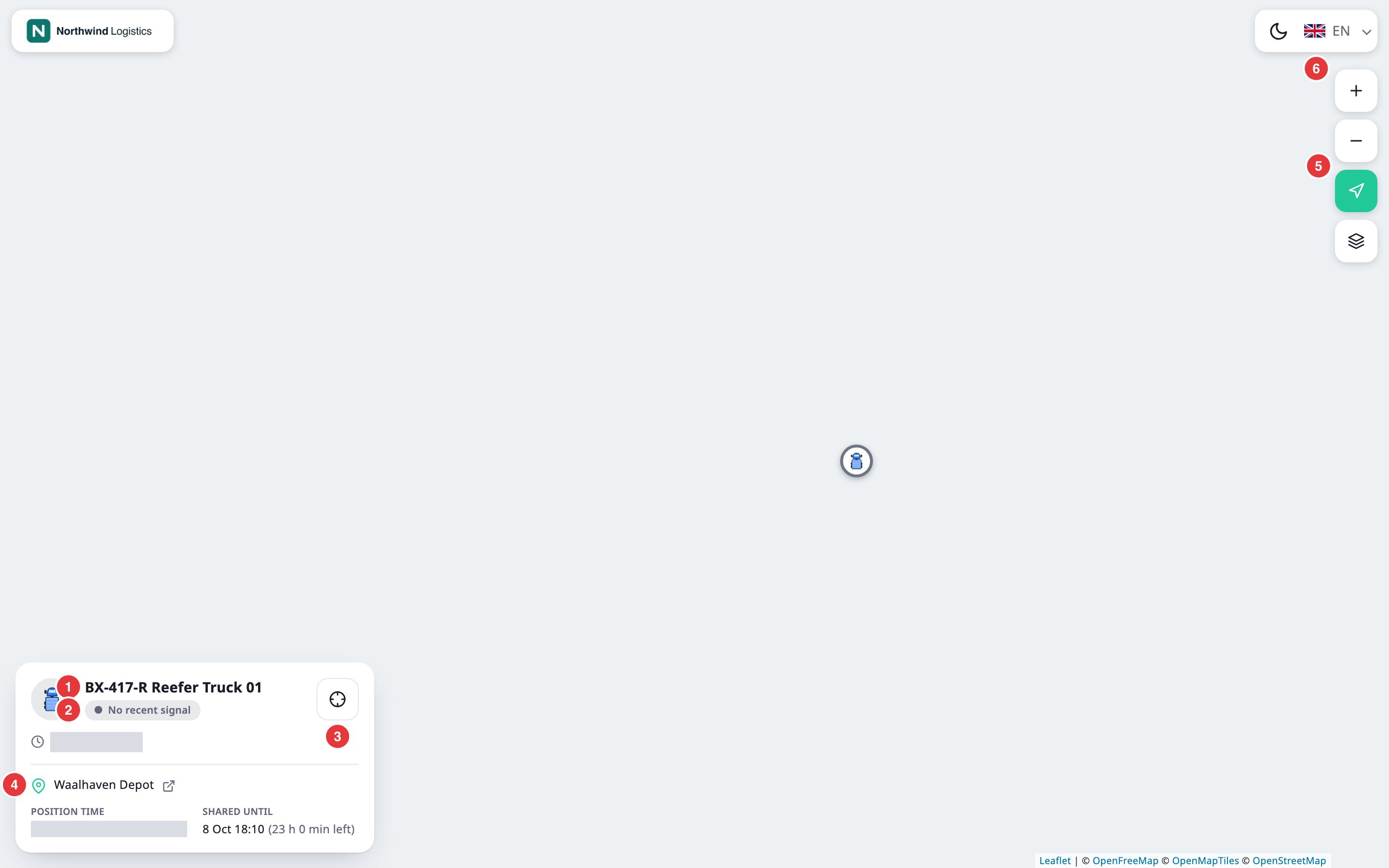
A map fills the page. Your logo sits at the top left, and the theme and language buttons, marked 6, at the top right. A line shows the route since the link started, from a start marker to the unit. The marker turns to the unit's heading and glides to each new position as the unit reports.
The map buttons, marked 5, are Zoom In, Zoom Out, Follow the vehicle and Satellite:
- Follow the vehicle keeps the map on the unit. It is on when the page opens. Dragging or zooming the map turns it off.
- Satellite switches between the street map and satellite images. The browser remembers the choice.
When the end time passes, the page switches to the expired message by itself.
¶ Unit card
On a computer, a card sits at the bottom left of the map. It shows:
- The unit's icon and name, marked 1.
- The status, marked 2: "Moving" with a speed, or "Stopped". After 5 minutes without a message, it reads "No recent signal". While the page waits for the first update, it reads "Live" or "Connecting…".
- Show the vehicle, marked 3. It centres the map on the unit and turns Follow the vehicle back on.
- "Updated" and how long ago the unit last reported. Point at it to see the exact time.
- The address, marked 4. Select it to open the position in an online map. It shows coordinates until the address is found, and the name of one of your geofences when the unit is inside it.
- Heading while the unit moves, Position time, and Shared until with the time left.
If the unit has no GPS fix, the card reads "No GPS fix right now — showing the last known position."
¶ On a phone
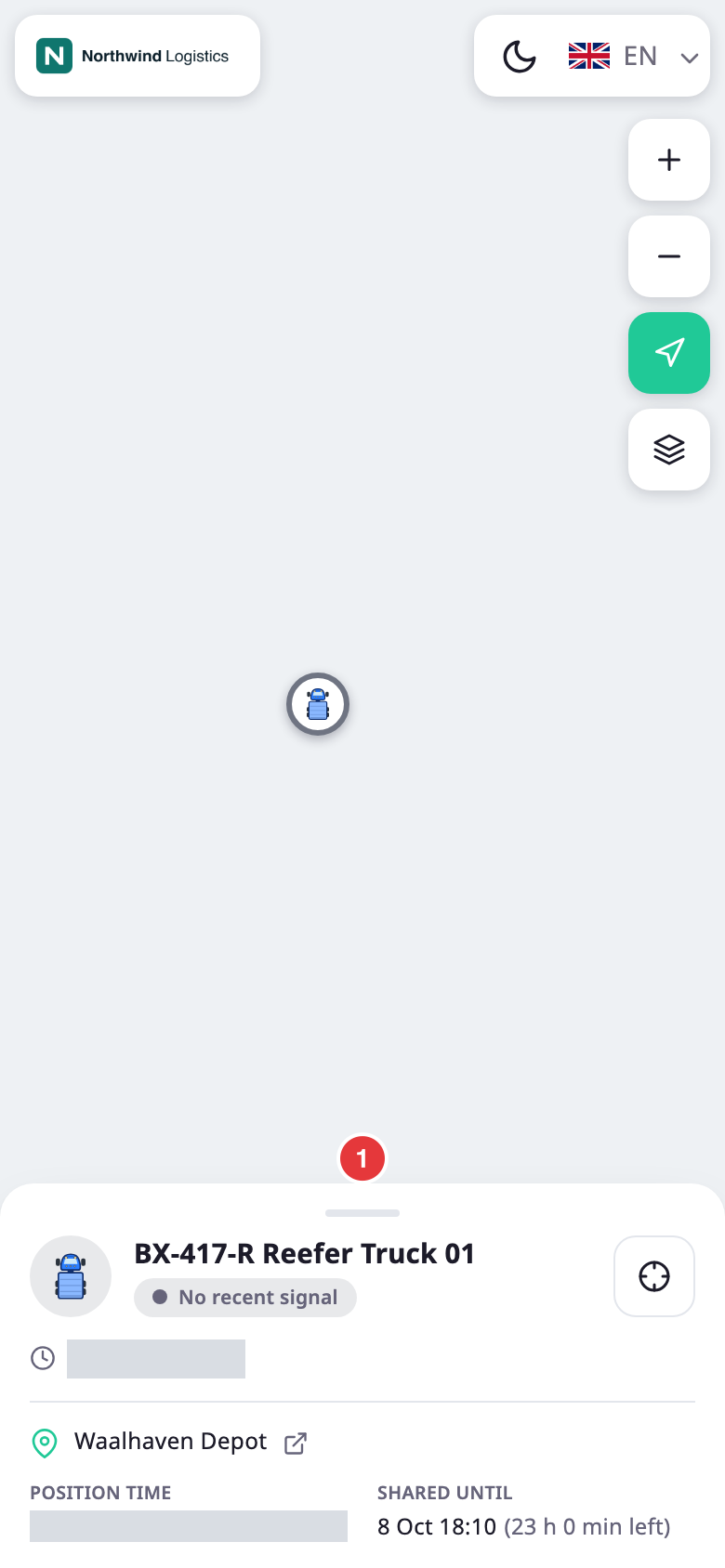
On a phone, the card is a sheet at the bottom of the screen. It shows the name, the status and the last update. Select the handle at its top, marked 1, to show the address and the times; select it again to fold the sheet.
¶ Before the link starts
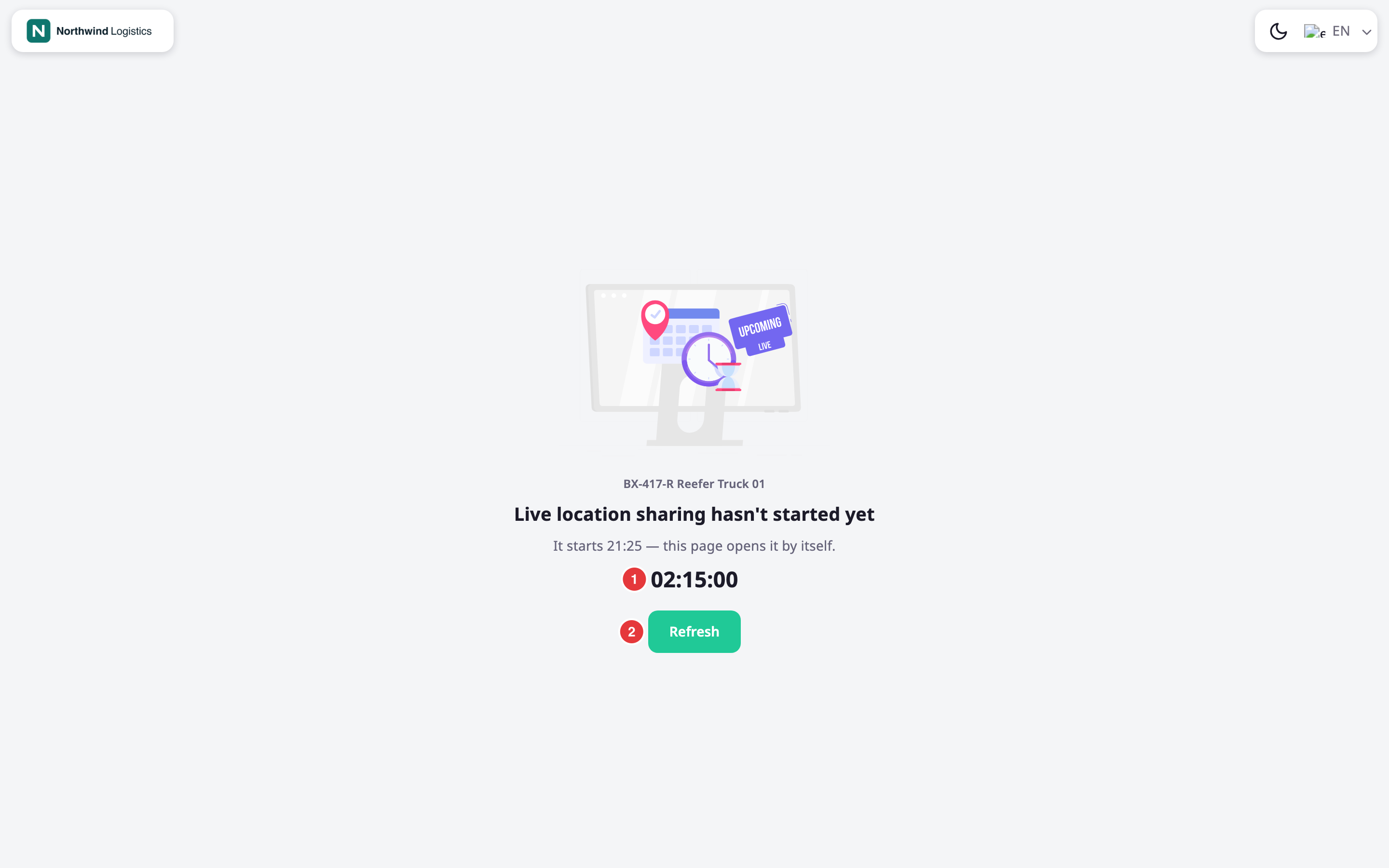
If the link has not started, the page shows the unit's name, "Live location sharing hasn't started yet" and when it starts. A countdown, marked 1, runs to the start time, and the page opens the map by itself when it reaches zero. Refresh, marked 2, checks again at once.
¶ After the link expires
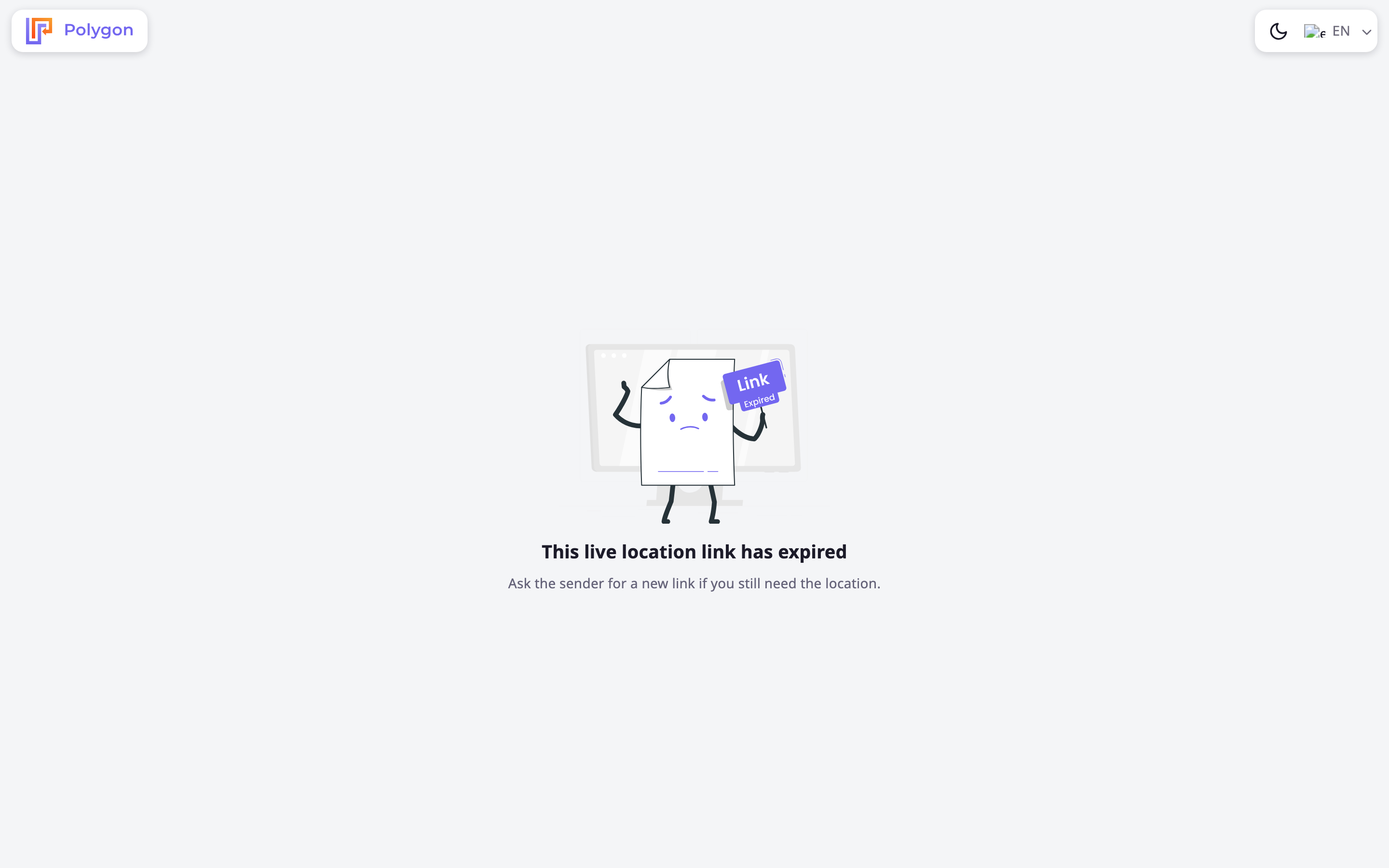
After the end time, the page shows "This live location link has expired" and suggests asking the sender for a new link. It shows no position.
¶ Invalid link
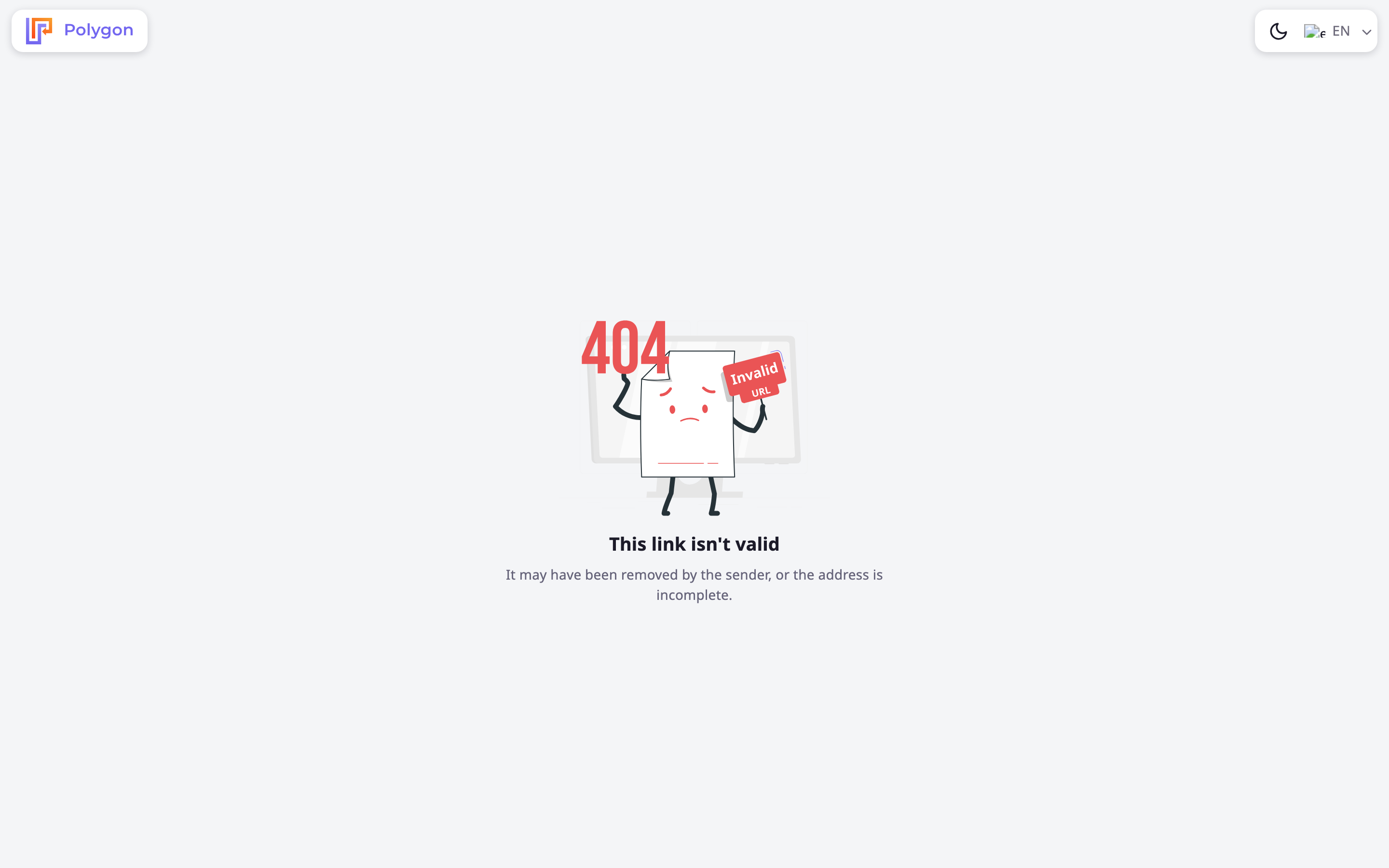
If the address does not match a link, or you deleted the link, the page shows "This link isn't valid". A mistyped or cut-off address gives the same page. After you delete a link, an open page stops updating within about 10 seconds.
¶ Connection problems
If the page cannot reach the server, it shows "We couldn't load this location" with Try again.
¶ Theme and language
At the top right, the theme button switches between light, automatic and dark. The language list changes the language of the page. Both choices stay in that browser.