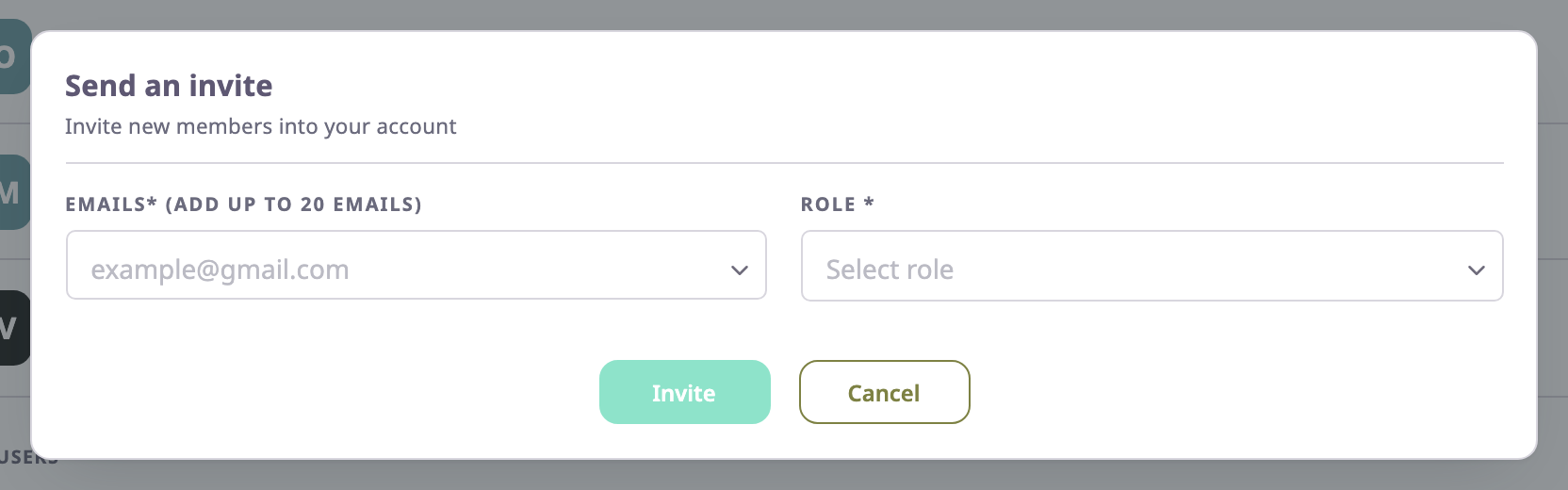
The Send Invitation dialog invites people to an account by email. Everyone you invite in one go gets the same role.
¶ Where the dialog opens
- On the Users screen, select Send Invitation. The invitation is to the account you work in.
- On the Invitations tab of a child account, select Send Invitation. The invitation is to that child account. See Sub-accounts of an account.
¶ Fields
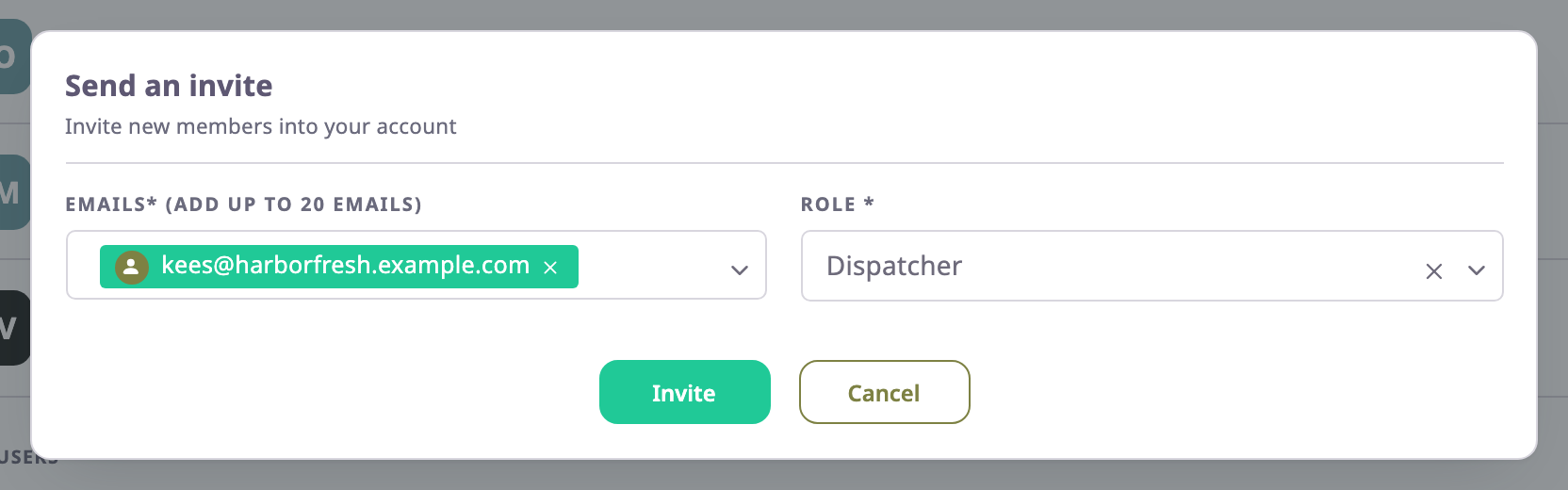
| Field | Required | What it does | Allowed values / example | Notes |
|---|---|---|---|---|
| Emails (Add up to 20 emails)* | Yes | Each address receives its own invitation email. | 1 to 20 valid email addresses. Example: kees@harborfresh.example.com | Enter an address and press Enter or Tab, or paste several separated by commas or spaces. Each address becomes a tag. The app saves addresses in lower case and skips repeats. |
| Role | Yes | The role every invited person gets in the account. | One role from the list. Example: Dispatcher | The list holds the built-in roles and the roles below yours. |
| Action | What happens |
|---|---|
| Invite | Sends the invitations. Unavailable until there is at least one valid address and a role. |
| Cancel | Closes the dialog without sending. |
¶ After you send the invitations
The app shows "Invitation sent successfully", and the dialog changes to a list titled "Successfully sent an invitations". For each address it shows:
| Column | What it shows |
|---|---|
| User Name | The person's name if they already have a user, otherwise the address. |
| Invitation Url | The invitation link, with a copy button, so you can send it yourself. Accepted shows instead when the person already belongs to the account. |
Select Close to return to the list. The new invitations show on the Invitations tab as Pending.
What the app does per address:
| The address | What happens |
|---|---|
| Has no invitation to this account yet | The app creates an invitation that is valid for 30 days and emails it. |
| Has a pending invitation | The app emails the same link again and makes it valid for 30 days from now. |
| Has an expired or declined invitation | The app reopens it, emails the same link again and makes it valid for another 30 days. |
| Belongs to someone who already accepted | The app sends nothing and shows Accepted. |
A person who has no user yet signs up from the link. A person who already has a user signs in and accepts. See Accept an invitation and create your user.
¶ Limits and validation
| Situation | What you see |
|---|---|
| The address is not valid | It stays in the input, and the message "Please enter valid email." appears. |
| You add a 21st address | The app drops it and shows "You can send a maximum of 20 invitations." |
| The same address twice | The app keeps one. |
¶ Permissions
- On your own account you need User Invite > Send.
- On a child account you need Consumer Account User Invite > Send, or Dealer Account User Invite > Send for a sub-dealer.
- The built-in Owner role has them.