Devices or units? This page is about devices, the tracking hardware installed in a vehicle or on an asset. For the vehicles and assets on the map, see Units. For the difference, see Devices and units.
Delete a device when you scrap the hardware or it goes back for good. To keep it in stock instead, set its Status to INACTIVE or DAMAGED. See Edit a device.
¶ Before you start
- You need Devices > Del. The built-in Owner role of a dealer account has it.
- Your account must own the device. The list may show Delete on other devices too, but the server refuses them with "Device not found". See Device ownership and allocation.
- The device must not be on a unit. Deleting a device does not delete its unit.
¶ Take the device off its unit
If the device reports for a unit, remove it from the unit first. The unit stays, with its history.
- Open the unit in edit mode and remove the device from it. See Add or remove a unit's devices.
- Save the unit.
If you skip this, deleting fails with "This device is allocated to unit." and the advice to remove it from the unit first.
¶ Delete the device
-
In the side menu, select Devices.
The Devices list opens. -
On the device's row, select Delete, marked 1.

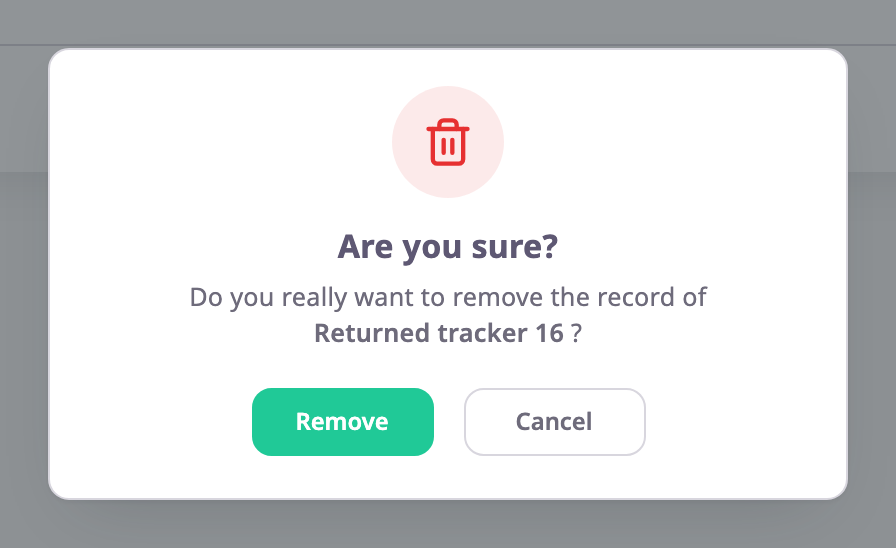
The app asks "Are you sure?" and names the device.
-
Select Remove.
The app shows "Device deleted successfully" and the device leaves the list.
To stop, select Cancel in the question. Nothing changes.
To delete many devices at once, select them with the checkboxes and use Delete in the bar above the list. See Act on many devices at once.
¶ What happens next
- The device disappears from the devices list of your account and of every account that held it. The app has no way to restore it.
- Its SIM cards are no longer linked to it. The SIM cards themselves stay in your SIM list, free for another device.
- Its groups no longer list it.
- Its unique identifier is free again, so you can register the same hardware as a new device later.