A device is the tracking hardware installed in a vehicle or on an asset. A unit is the vehicle or asset your team sees on the map. The device measures and sends; the unit is what people follow, report on and set alerts for.
¶ What a device is
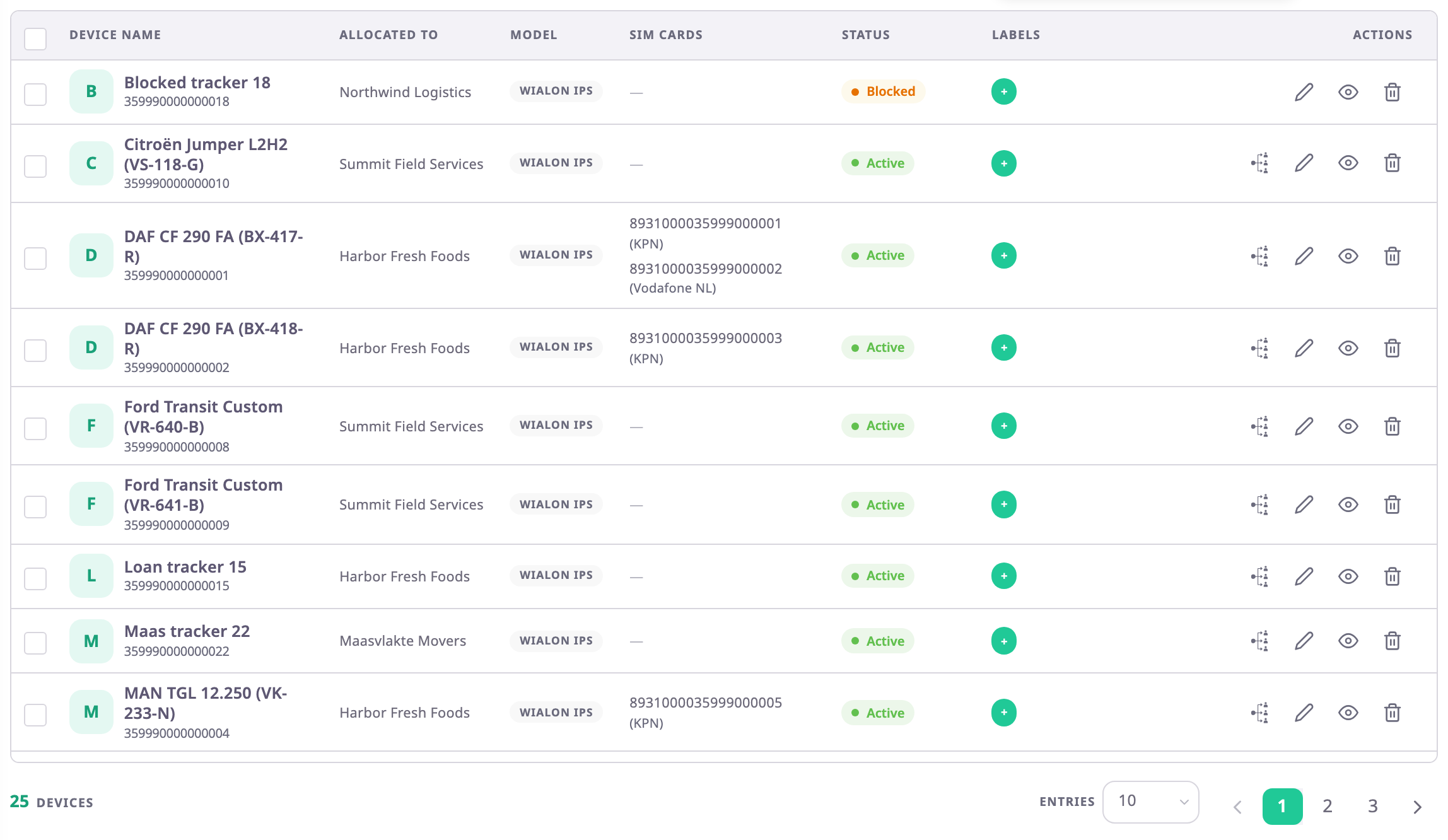
You know a device by its IMEI or serial number, its model and the protocol it speaks. It carries one or two SIM cards and all the sensor settings. They say which parameters it sends, how the app turns them into fuel litres or door states, and how it detects trips. Dealers register devices, configure them and hand them to customer accounts.
¶ What a unit is
You know a unit by its name, which usually starts with the plate, such as BX-417-R Reefer Truck 01. It carries what the business cares about: the driver or operator, groups, labels, service reminders and its trips. Every user with the right role works with units, in dealer and customer accounts alike.
¶ How a unit gets its data
A unit shows the positions and sensor values of the devices allocated to it. Most units have one device. A unit can have more, for example a GPS device plus a separate temperature box, and its card shows the sensors of each.
| You want to | Work with the | Where |
|---|---|---|
| See where a vehicle is, its trips and alerts | Unit | Map, Units |
| Rename a vehicle, set its driver or groups | Unit | Edit a unit |
| Register new hardware or change its IMEI or SIM | Device | Add a device |
| Change how the app reads fuel, ignition or temperature | Device | How sensors work |
| Fit, swap or remove hardware on a vehicle | Both | Add or remove a unit's devices |
¶ Replacing or moving a device
When you replace the device in a vehicle, you take the old device off the unit and put the new one on. The unit stays, with its name, driver, groups and history. The old device keeps its own settings and can go into another vehicle.
Deleting a unit does not delete its devices: they stay in the account, free for another unit. You cannot delete a device that is on a unit until you take it off. Each page that changes one of them says which object it changes.
¶ Who works with which
- Dealers manage devices: they register them, set up sensors and allocate them to customer accounts. The Devices menu exists only in dealer accounts.
- Customer accounts manage units. They see the sensors of their devices on the unit card but cannot open the device settings.