A unit is the vehicle or asset you track: a truck, a van, a trailer or a generator. One or more devices report for it. Every screen in this section starts from the unit, not from the device.
¶ When to use it
- You want to see every vehicle in your fleet and who it belongs to. Open the units list.
- You want to know where a unit drove yesterday, or when its ignition went on. Open it on the map.
- A report shows a fuel drop or a trip that looks wrong. Check the raw messages. If the event is false, exclude it.
- A vehicle moves to another customer or depot. Allocate the unit to that account.
¶ Units and devices
A device is the tracking hardware installed in a vehicle or on an asset. You know it by its IMEI or serial number, a protocol and a model. It carries a SIM and the sensor settings. A unit is the vehicle or asset your team sees on the map, known by a name or plate. Reports, alerts and the map show units, so a device that is not on a unit shows nowhere outside the device screens. See Devices and units.
A unit gets its position and sensor values from the devices allocated to it. A unit can have several devices, for example a GPS device and a temperature logger. When you replace a device, you put the new one on the same unit, and the unit keeps its history.
¶ Owner and allocated account
Each unit has two accounts:
| Account | What it means |
|---|---|
| Owner | The account that created the unit. Only the owner, or an account above it, can edit or delete the unit. |
| Allocated | The account that uses the unit now. Its users see the unit, its trips and its reports. |
A dealer often creates units and allocates them to its customers. The customer then sees the unit but cannot edit or delete it. The units list shows both accounts with the tags Owner and Allocated.
¶ Unit status
A unit has two kinds of status. The record status (ACTIVE, INACTIVE, DAMAGED, BLOCKED) is what someone set on the unit. The movement state (running, parked, idling or offline) comes from what its devices report, and the map shows it. See Unit statuses and indicators.
¶ Where to find each unit screen
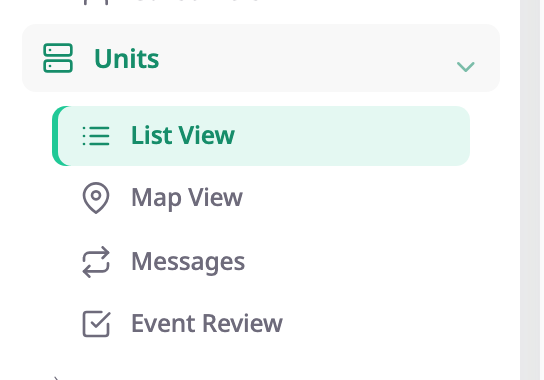
| Question | Screen |
|---|---|
| Which units do we have, and who has them? | Units list |
| What are this unit's details and devices? | Unit details screen |
| What exactly did the device send? | Messages screen |
| Which computed events are wrong? | Event Review screen |
To see where a unit is, where it drove and what happened to it, use the map.
¶ What you can do
- Add a unit
- Edit a unit
- Add or remove a unit's devices
- Allocate a unit to an account or operator
- Delete a unit
- Inspect a unit's raw messages
- Chart sensor values over time
- Download device messages
- Exclude a wrong event from reports
- Analyse an event against raw messages