A maintenance reminder watches one unit and tells you when it needs a service. You set a distance, an engine-hours count, a date, or all three. When you record the finished service, the app keeps it in a history with its costs and receipts.
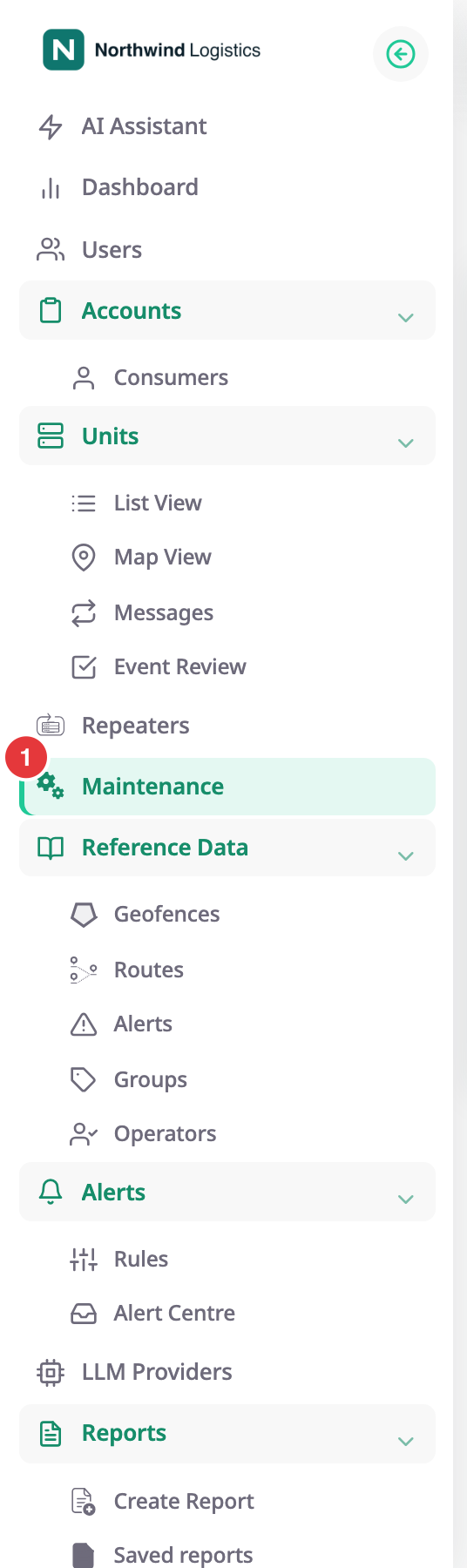
To open it, in the side menu, select Maintenance, marked 1.
¶ What a maintenance reminder is
A reminder belongs to one unit and has a name, such as Oil and filter service. It lists the service types it covers, for example an oil change and an air filter replacement. Several reminders can watch the same unit.
¶ Thresholds and when a reminder is due
A reminder has up to three thresholds:
- By odometer: due a set distance after the last service. The unit needs an odometer sensor.
- By engine hours: due a set number of engine hours after the last service. The unit needs an engine-hours sensor.
- By date: due on a date. It is always on. With Repeat, the due date moves on by itself each time you record a service.
The first threshold to arrive makes the reminder due. For a distance or engine-hours threshold, the app estimates the date from the unit's average daily use. See Maintenance reminder form.
¶ Upcoming, due, overdue and completed
| Status | Meaning |
|---|---|
| Upcoming | No threshold has arrived yet. |
| Due | A threshold has arrived or its date has passed. |
| Overdue | A filter on the list, not a separate status: due reminders whose due time is already past. Their rows show Due. |
| Completed | You recorded a service. The reminder stays Completed until the unit is half-way to the next service, or until the first notice time arrives. |
The app recalculates every reminder once an hour, and when you save a reminder or record a service. See Maintenance reminders list.
¶ Completing a service and its history
When a workshop finishes, you record the service in the Add bill form: readings, date, services, costs and receipts. The readings and date become the new starting point of each threshold, and the reminder becomes Completed. The service joins the reminder's history. Each service has its own record that you can download as a PDF. See Record a completed service.
¶ How you hear about a reminder
A reminder notifies only through an alert rule built on the Service reminder template. After you save a reminder, the app checks your alert rules. If none covers the unit, it offers to set one up. See Get an alert when a service is due.
¶ Where reminders show up
- In the Tracking workspace, the Services tab lists the overdue and upcoming reminders of one unit or of the whole account. Select a reminder to open it.
- In a unit's action menu, Services opens the reminders list for that unit.
- In Groups, a group lists its reminders. See Groups.
- In alert rules, the Service reminder template raises an incident at each notice stage. See Get an alert when a service is due.
- In reports, the Maintenance due, Maintenance history, Maintenance against mileage and Service history templates read reminders and services. See Report template catalogue.
¶ What you can do
¶ Reference
- Maintenance reminders list
- Maintenance reminder form
- Add bill form
- Service history
- Service record details
- Service types