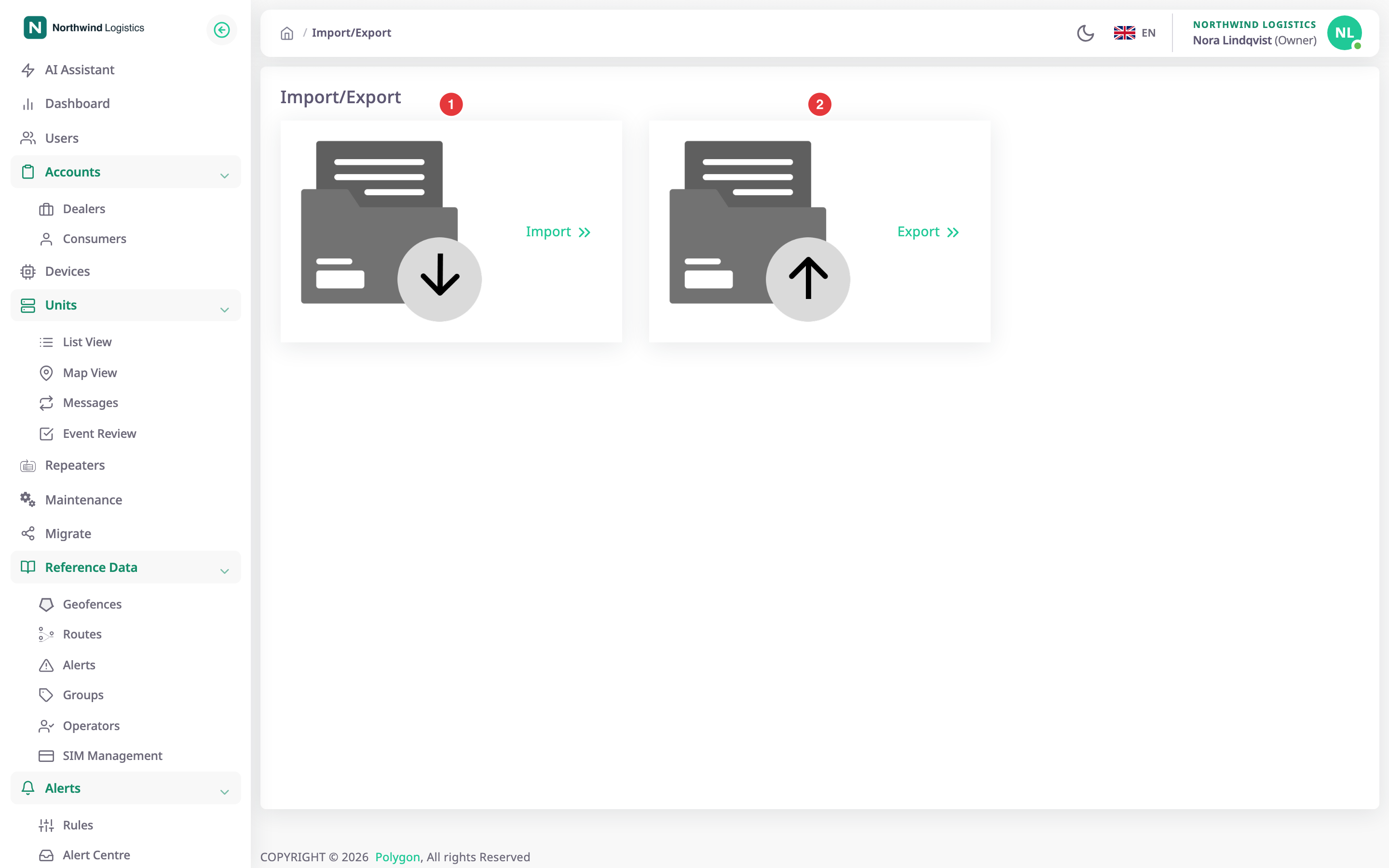
The Import/Export screens copy the settings of a unit between units, as a file or directly. Two more screens bring data into the app: the device CSV import registers many devices, and Migrate brings units over from Wialon. To open the hub, in the side menu, select Import/Export.
¶ What you can import and export
| To | Use | Page |
|---|---|---|
| Save the settings of one unit as a file | Export to File | Export a unit's configuration to a file |
| Copy those settings to other units straight away | Export to Object | Copy a configuration from one unit to others |
| Apply a saved file to one or more units | Import | Import a configuration file into units |
| Register many devices from a spreadsheet | Devices, Import Devices | Import devices |
| Bring units over from Wialon | Migrate | Migrate units from Wialon |
The settings you move are sensors, commands, the trip detector, raw-data filters and fuel settings. Units, devices, geofences, drivers and reports do not travel in these files.
¶ Who can use these screens
Only dealer accounts have these screens. A user in a customer account who opens them sees "Un-authorized action".
| To | Permission |
|---|---|
| See the Import/Export menu and the hub | Import/Export > Menu |
| Use Import | Import/Export > Import |
| Use Export | Import/Export > Export |
| Use Migrate | Migrations > Menu and Edit |
The built-in Owner role of a dealer account has all of them. See Permissions reference.
¶ The Import/Export screen
The hub holds two cards. Import opens the Import wizard and Export opens the Export wizard. A card shows only if you have its permission. The side menu has the same two entries under Import/Export.
¶ Copying settings between units
Set up one unit well, then reuse its settings. Export them to a file to keep or to hand to a colleague, or copy them straight to other units. Both ways use the same three modes, Replace, Merge and Append, which decide what happens to settings the destination already has. See Configuration file format and import modes.
¶ Bringing a fleet over from Wialon
If you move units from Wialon, Migrate reads them with your Wialon login and creates a unit and a device for each. See Migrate units from Wialon and What a Wialon migration brings across.
¶ Other imports and exports in the app
- Registering devices in bulk is on the Devices screen: Import devices. Its columns are in Device CSV file columns.
- SIM cards have their own CSV import: Import SIMs from a CSV file.
- Report templates move as JSON files from the report screens: Share, import and export report templates.
- Saved reports download as files: Export a report.